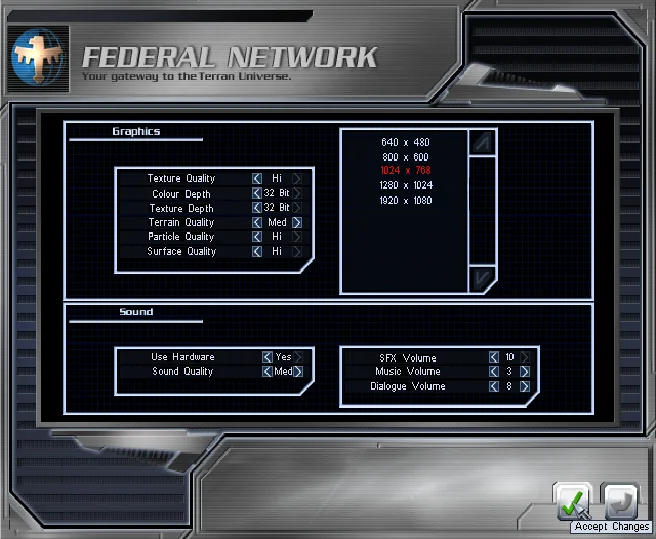
I wanted to play Starship Troopers: Terran Ascendancy, Blue Tongue's real-time strategy game from 2000, on usagi, my XP machine for retro LAN parties. First it crashed on startup with c0000095. With /usepmtimer in boot.ini it started, and then patch 1.1 crashed in the menu. The Nvidia patch from 2001 finally ran, but the options menu, the unit descriptions and the loading screen had no text at all. PCGamingWiki lists that as a known quirk. So I spent a Saturday afternoon digging into it.
Why the texts are missing
Both official patches are full recompiles. I took all three versions apart in Ghidra and compared them function by function. From patch 1.1 on, many menu strings are no longer in the executable, the game fetches them by line number from locale/localedata.eng. How many lines that file has is hardcoded in the exe: 1.0 expects 1002, 1.1 expects 1055, the Nvidia patch 1104. The English file on the CD has 1002 lines, and neither patch ships a new one. Everything from line 1002 on arrives as an empty string, and the game happily draws blank labels without complaining.
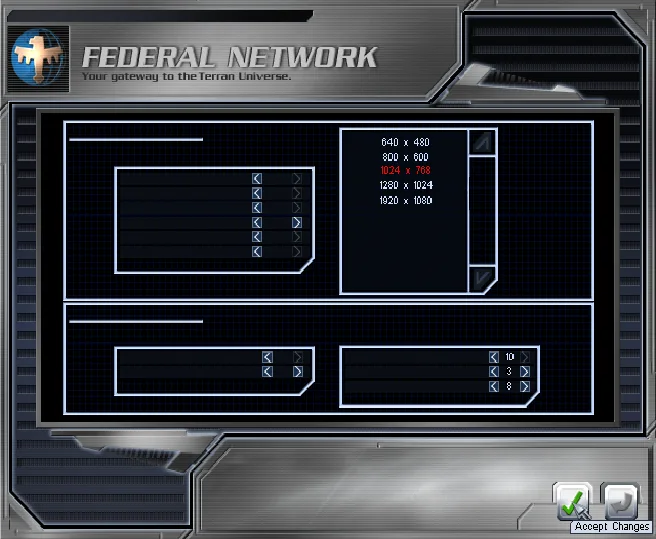
The missing strings don't exist anywhere as a file anymore. But the older executables still had them right in the code, at the same spot where the newer exe asks for the line number. A small Python script lines up the instruction sequences of the old and new exe and reads out the string that used to be passed there. That gave me 74 lines, from "Save Platoon" to "Xenograph". I kept the original typo "Flight Path Verfication".
The mouse
For testing I ran the game on my Windows 11 machine, with dgVoodoo2 in a window. Trouble is, the game builds its cursor from raw DirectInput movement. Move a modern mouse by one pixel and the cursor jumps a few hundred, and the game grabbed mouse and keyboard exclusively. On the first try I had to kill it in Task Manager.
So now there's a custom dinput.dll in the game folder. The exe loads it instead of the Windows one, the DLL passes the one call the game needs on to Windows and changes a few spots of the exe in memory while loading. The game cursor then follows the Windows cursor, stops jumping to the window centre, and mouse and keyboard stay usable for other windows. The text fix lives in the same DLL: if a line from 1002 on is empty, it returns the restored string.
The startup crash
On startup the game measures the CPU clock and does the math with 32-bit integers. On usagi's Pentium 4, Windows XP reports 3.2 GHz as the timer frequency, that no longer fits, the division overflows, game gone. Until now the only fix was /usepmtimer, which makes Windows use a slower timer. The DLL replaces the measurement with math that can't overflow. On the Windows 11 machine I faked the XP timer with Frida: without the DLL it crashed exactly where expected, with the DLL it reached the main menu. Then I removed /usepmtimer from usagi, and the game still starts.
A patcher that runs on XP
So nobody has to hunt down patch 1.1 and then the Nvidia patch, there's sttapatch.exe. It checks by SHA256 whether 1.0, 1.1 or already the Nvidia patch is installed, builds the Nvidia version from byte deltas and adds the DLL. The package contains no game files at all, only the differences to the originals on your own disk. The originals go into a backup, and sttapatch /undo puts them back. The zip is 242 KB.
Visual Studio 2022 only targets Windows 7 and later out of the box, and I didn't want to install the old XP toolset. So the DLL and the patcher get by without the C runtime and only use Windows functions that already existed on XP. A check script makes sure after every build that nothing newer slipped in. I tested with fresh installs of 1.0 and 1.1 and finally on usagi, with every text in the options menu and a training mission at 1280x1024 without a crash.
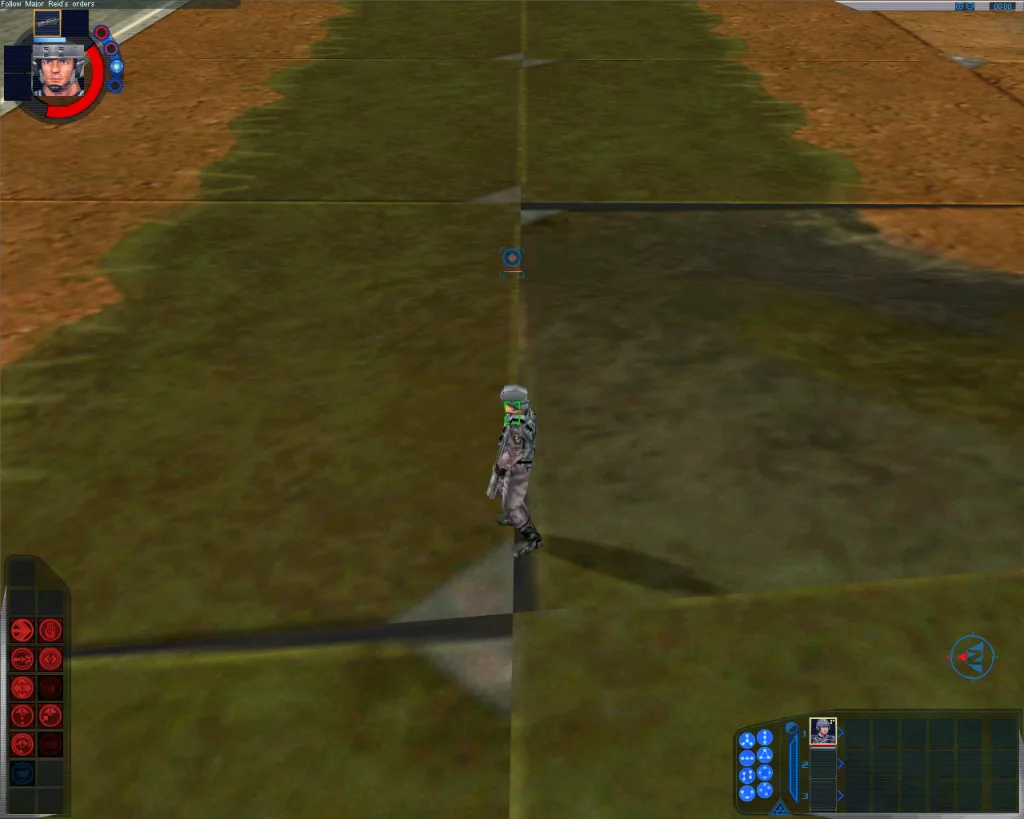
Code, the analysis with every address, and the download are on GitHub. The restored strings are English only, so the text fix doesn't help the German version of the game. I started just after two, and by half past five the game ran on usagi without /usepmtimer.